vCard Details

Please enter at least one field for vCard.

Set Colors
#ffffff
#222222
#007bff
Custom Design Options
Main Body Shape
Eye Frame Shape
Eye Dot Shape
Logo Upload
logo
Live Preview
💾 Download Options

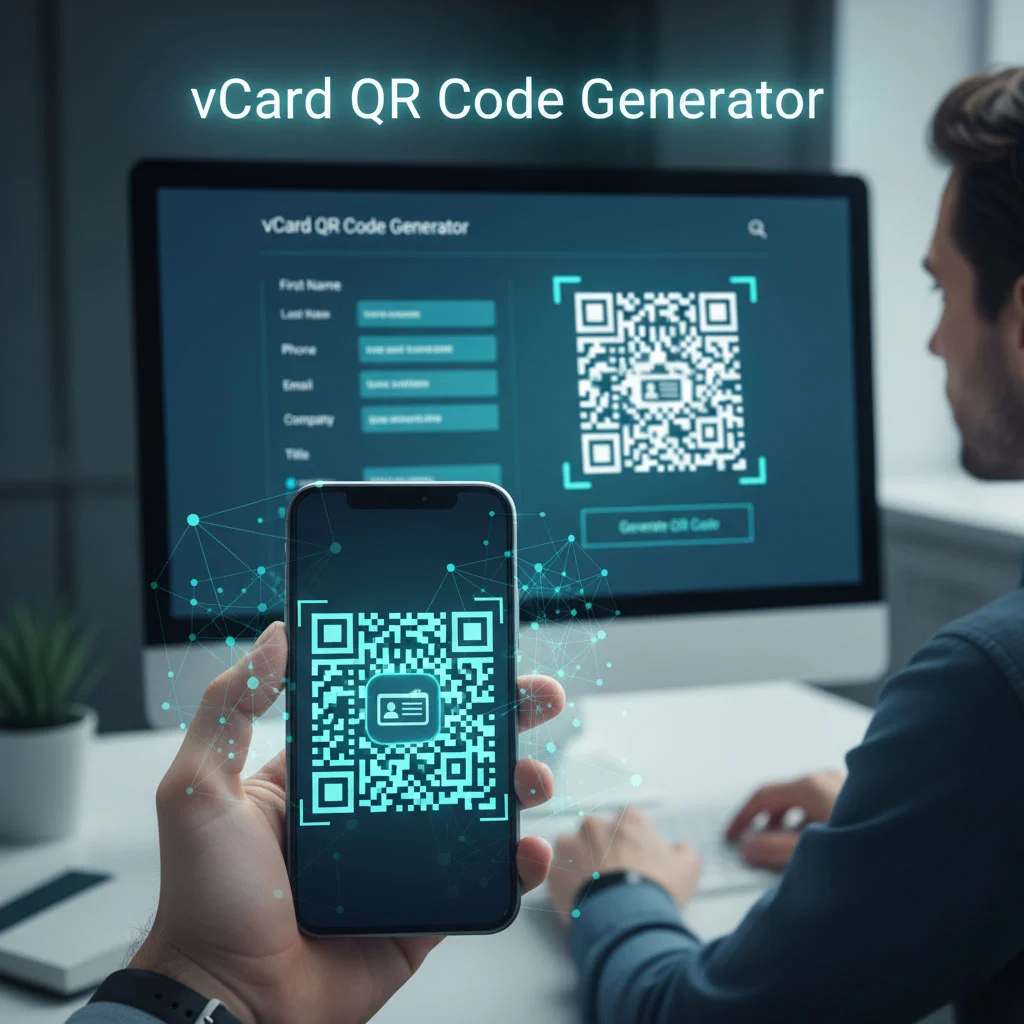
vCard QR Code Generator

Make every connection count with our vCard QR Code generator the simplest way to share your contact details in seconds. In today’s world, first impressions happen fast, and your business card should keep up. A business card with QR code shows that you’re modern, professional, and ready to connect instantly.

Facebook QR Code

Connect your audience directly to your Facebook page or profile to grow your followers with one scan.

Create a QR Code for a URL

Turn any website or landing page into a scannable QR code. Perfect for business cards, posters, and brochures.

WiFi QR Code

Let visitors connect to your WiFi without typing a password. One quick scan and they’re online fast, easy, and secure.

Text to QR Code

Share text messages, quote, or contact info in seconds. Just type, generate, and printen QR code anywhere.

Twitter QR Code

Help people connect with your Twitter (X) profile instantly fast and interactive sharing.

QR Code Call

Let customers call you instantly with one quick scan. No typing, no delay just fast and direct communication.

Google Maps QR Code

Make navigation easy by linking your location customers can find you instantly on Google Maps.

Video QR Code

Connect your audience to your videos instantly with a single scan. Share tutorials, product demos, or personal clips easily.

Instagram QR Code

Easily share your Instagram profile and grow followers with one scan.

How to Use vCard QR Code Generator?

Creating your vCard QR code is super simple. You don’t need design skills or technical experience. Here’s how it works:

Use vCard QR Code Generator

Add your details: Enter your name, number, email, and company info.

Sealed options: Square, Dots, Rounded, or Extra Rounded.

Generate your QR code: Click the button and your vCard QR code is ready instantly.

After making your selections, check the live preview to see how your QR code looks with the chosen styles.

Download or print: Save it in high quality and add it to your business cards with QR code or anywhere you want.

In just a few seconds, you’ll have a digital contact card that’s ready to impress.

What Is a vCard QR Code?

A vCard QR code is like a digital version of your business card. It keeps all your contact info safely stored inside a QR code. When someone scans it, your details appear right on their screen, ready to be saved.

It’s a perfect mix of convenience and professionalism. You can even turn your VCF to QR code easily using our vCard QR Code Generator. Whether you’re an entrepreneur, freelancer, or corporate professional, this tool helps you share who you are quickly and smartly.

Choose Our vCard QR Code Generator

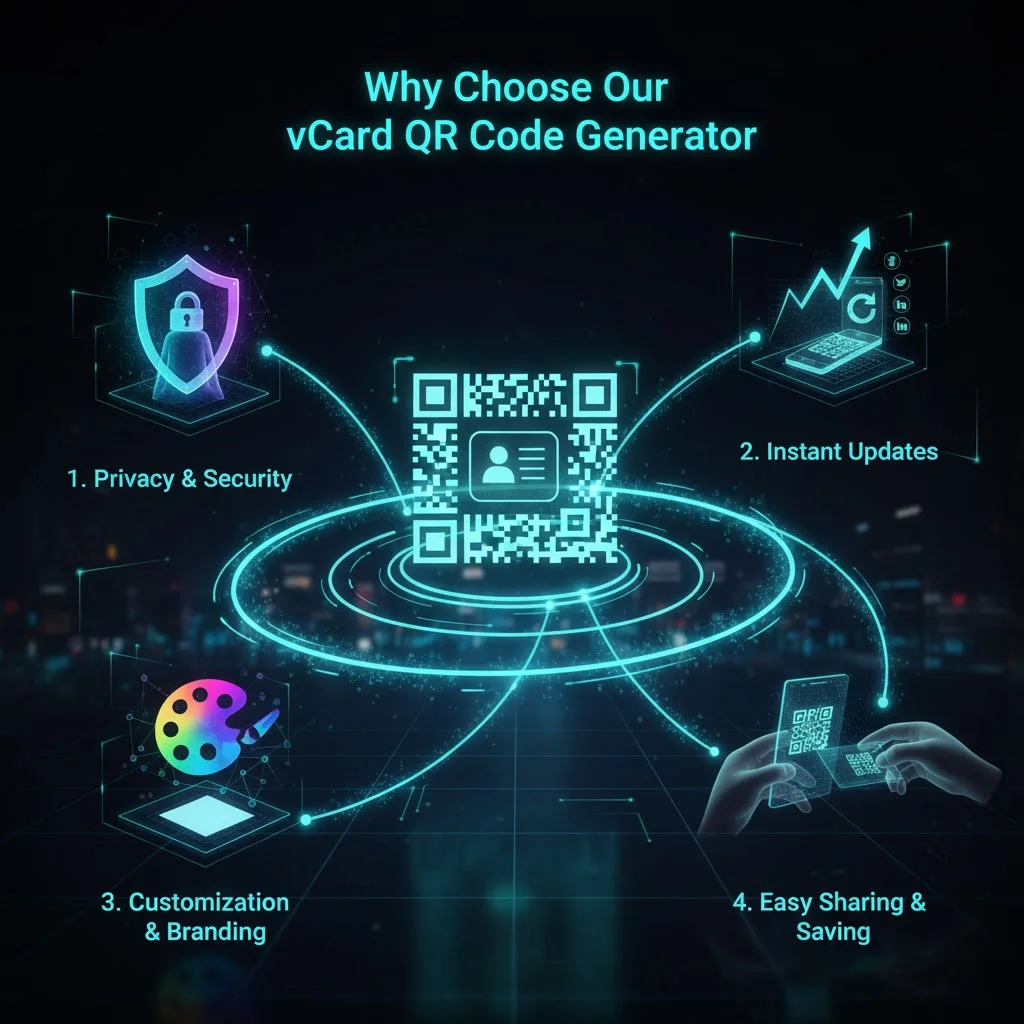
Why Choose Our vCard QR Code Generator?

We made this vCard QR Code Generator to help professionals share contact info easily, no apps, no sign-ups, no stress. Here’s why it’s the best choice:

It’s simple, effective, and made for real-world business needs.

Benefits of Using a vCard QR Code

Your business card becomes more than just paper; it becomes a digital bridge to your clients and partners.

Professional Look

Your vCard QR code adds a modern and clean touch to your business card.

Instant Contact Sharing

A quick scan saves your info instantly no need to type.

Eco-friendly Option

Less paper waste, more smart networking.

Perfect for Every Material

Works on paper or plastic business cards with QR code without losing quality.

Offline Ready

Your contact info stays stored in the code no internet required.

Convert VCF to QR Code in Seconds

Already have your contact details in a .vcf file? Great! You can easily turn that VCF to QR code using our tool. Just upload your file or paste your details, and your QR code will be ready right away.

This saves time and makes updating your info super easy whenever something changes. If you want your QR code for visiting card to stand out, you can even print it with your logo or brand colors. It’s a great way to make your business cards with QR code look unique and memorable.

Add vCard QR Code to Your Business Card

Adding a vCard QR code to your card gives it a smart, digital edge. When someone scans it, your contact info goes straight into their phone. No typing, no spelling errors just instant saving.

You can add your QR code to:

It’s a simple feature that makes your card stand out and your connections stronger.

Why Business Card Digital Networking Matters

Today, people prefer fast and easy communication. A vCard QR Code Generator helps you meet that need by turning your contact info into a simple scan.

Instead of handing over an old-fashioned card, you give a QR code for visiting card that instantly saves all your details. It’s convenient, stylish, and leaves a great impression.

Whether you’re at a business meeting, conference, or networking event, your vCard QR code becomes your digital handshake smooth, quick, and professional.

Why Use QR Code for Phone Number?

Our vCard QR Code Generator is made for everyone who wants to connect better:

Entrepreneurs

Businesspeople Utilizing a vCard QR Code at meetings or networking events makes it easy to share contact info, websites, and other business info quickly.

Small business owners

Small business It can be placed on packaging, flyers, or receipts so that customers can easily save your contact info.

Sales and marketing professionals

vCard QR Codes can be put on business cards or emails so prospects can save your contact info and respond quickly.

Freelancers and consultants

Freelancers and consultants could also use vCard QR Codes to promote their services by enabling clients to save contact info easily on a phone.

Event managers

Event planners can print a vCard in badges or invitations so people can easily save event info, and contacts.

Corporate teams

Corporate teams can utilize vCard QR Codes as an easy, professional way to share contact information with clients in brochures, presentations, and business cards.

Frequently Asked Questions

A: Static codes do not expire. Dynamic ones remain active as long as your subscription or service is active.

A: Yes. You can include commas or special characters in the number string, e.g. +1234567890,,,1,,# to navigate voice menus.

A: Most modern smartphones have built-in QR scanning in the camera app. Earlier devices may require a QR scanner app.

 A: Yes. Our tool supports logo insertion, colors, and frames as long as the code remains readable.

 A: Only with dynamic QR codes. Static ones can’t be updated.

 A: In most plans we allow many to check your package. For business users we support bulk generation.