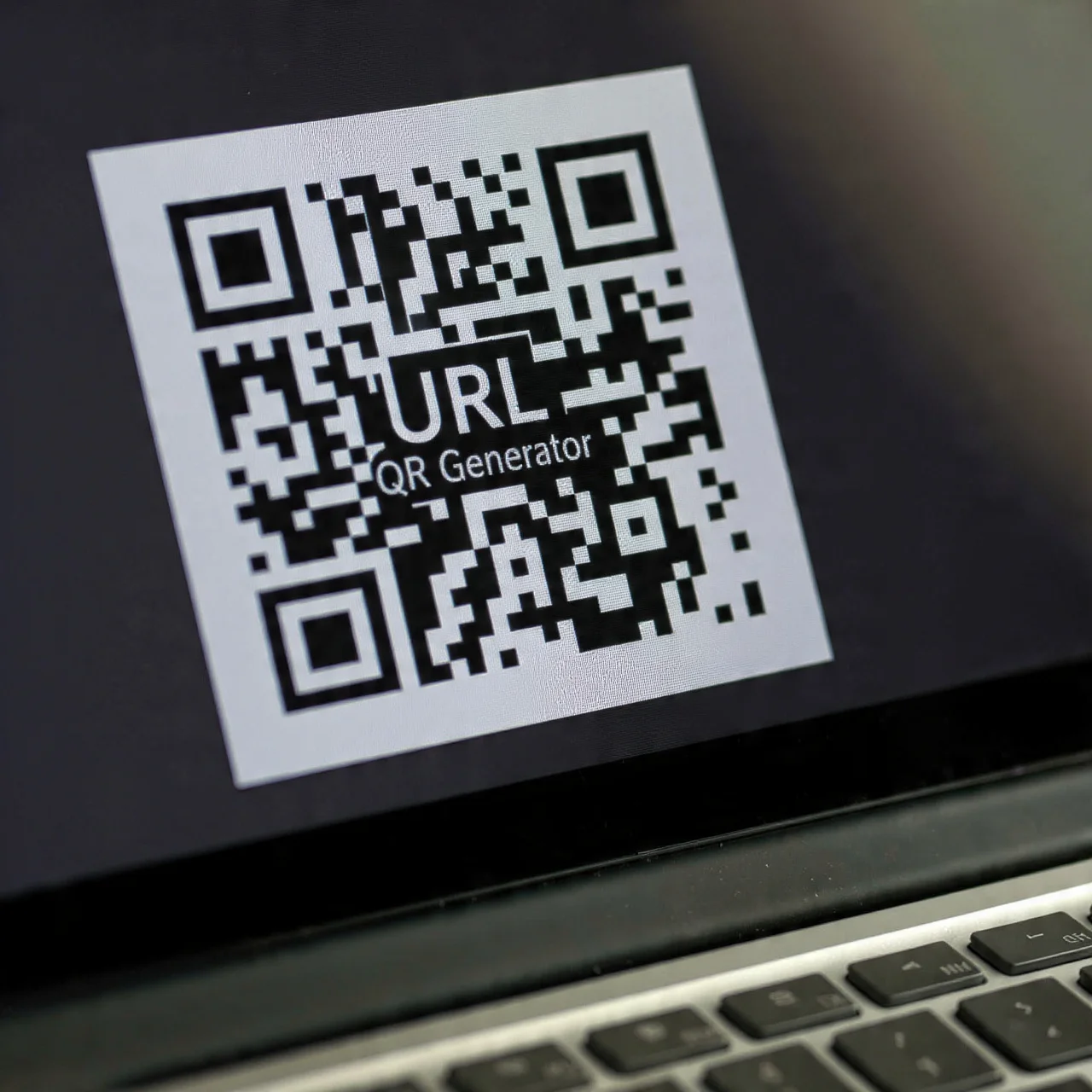
Your URL

Please enter a valid URL (must start with http:// or https://).

Set Colors
#ffffff
#222222
#007bff
Custom Design Options
Main Body Shape
Eye Frame Shape
Eye Dot Shape
Logo Upload
logo
Live Preview
💾 Download Options

URL QR Code Generator

If you’re looking for an easy and reliable QR code generator that can transform any web link into a scannable code within seconds, you’re in the right place. Our url QR code generator makes it simple to make qr code from url for any purpose marketing, packaging, menus, business cards, or social media.

In just one click, you’ll be able to change your link to qr code and start connecting the offline and online worlds with less hassle.

Facebook QR Code

Connect your audience directly to your Facebook page or profile to grow your followers with one scan.

Video QR Code

Connect your audience to your videos instantly with a single scan. Share tutorials, product demos, or personal clips easily.

Text to QR Code

Share text messages, quote, or contact info in seconds. Just type, generate, and printen QR code anywhere.

YouTube QR Code Generator

Make your video content instantly accessible; one scan takes users directly to your YouTube channel or video.

Twitter QR Code

Help people connect with your Twitter (X) profile instantly fast and interactive sharing.

QR Code Call

Let customers call you instantly with one quick scan. No typing, no delay just fast and direct communication.

Google Maps QR Code

Make navigation easy by linking your location customers can find you instantly on Google Maps.

WiFi QR Code

Let visitors connect to your WiFi without typing a password. One quick scan and they’re online fast, easy, and secure.

Why You Ought to Use URL QR Code Generator

We crafted our utility specifically for real users simple, fast, and designed to do exactly what you need it to do.

url_qr_code_generator-scanable

Fast and Simple: Just paste and copy your URL, click generate, and create qr code from url right away.

Fast Scanning: Our Qrs are designed with fast error correction, so they scan quickly even on bumpy surfaces.

Personalized Design: Select a color for your QR code, include a logo, and shape it to fit your brand’s look.

Dynamic Editing: If your link changes at some point, you can edit it down the line without having to re-make or re-print the code.

Scan Tracking & Analytics: Observe how many individuals scan your QR, where they’re scanning, and when all within a single view.

Multi URL QR Code

Multiple url qr code is just the thing if you would like one code to lead you wherever you want. You can alter or update the links whenever you want without having to reprint a code.

For example, you can direct mobile users to one landing page, desktop users to another, or even change the link based on time or campaign. It’s the perfect dynamic solution for businesses with numerous promotions or wishing to eliminate reprints from the expense.

Tips for Using URL QR Code

Tips for Using URL QR Codes Effectively

To make your QR codes run smoothly and look professional, remember the following simple tips:

How to Turn a URL to QR Code

Want to turn a url into a qr code? It’s simpler than you imagine. This is the way to do it:

Choose URL as Type

Using the generator tool, select the “URL / Link” from the other types of QR codes provided.

Paste Your Web Link

Copy and paste the link you want to link to. This is your link to qr code.

Customize the Design

Adjust the style, pick your brand colors, add a frame, or insert a logo.

Generate and Test

Click “Generate” to see a live preview. Scan it using your phone to test the result.

Download or Print

Download in your preferred file format and use it anywhere online, in print, or on packaging.

Social Media & Campaigns

Make someone follow you, subscribe to your newsletter, or look at your collection in one scan.

Start Creating Your QR Code Now

Want to generate qr code from url and reach your audience instantly?

Use the url qr code generator today and bring links to life. Whether making a single QR or developing a multi url qr code, we have the features and tools that can assist you in doing everything with ease.

Start generating now and see for yourself how simple it is to change your link to qr code in seconds.

Practical Uses of URL QR Codes

A url qr code generator can be used in countless ways. Whether you’re a business owner, marketer, or designer, here’s where these codes can make an impact:

Marketing & Print Media

Place QR codes on brochures, flyers, posters, or business cards to send users directly to your website or social pages.

Restaurants & Cafes

Embed a QR code within your tables or menus so that customers can access your digital menu or order online system at ease.

Events & Promotions

Use QR codes on event tickets, banners, or invitations to reroute people to registration or landing pages.

Product Packaging

Associate customers with guides, installation videos, or warranty pages in an instant through a single scan.

Real Estate & Outdoor Ads

Realtors can use QR codes on listing boards that link directly to listings or virtual tours.

Frequently Asked Questions

Yes! You can use our url qr code generator to create qr code from url absolutely free. For additional features like analytics, dynamic links, and customization, premium subscriptions exist.

A static code permanently directs to one URL. A dynamic QR permits you to modify the link afterwards without modifying the code perfect for long-term promotions.

Simply use your phone camera or a QR scanner application, aim it at the code, and ensure it opens the correct link.

Yes. Our multiple url qr code generator allows you to create one QR linking to multiple URLs, quickly switch destinations, and keep them all in one place.

You can download your QR code as PNG, SVG, EPS, or PDF ideal for digital and print use.