QR Code Generator for Email

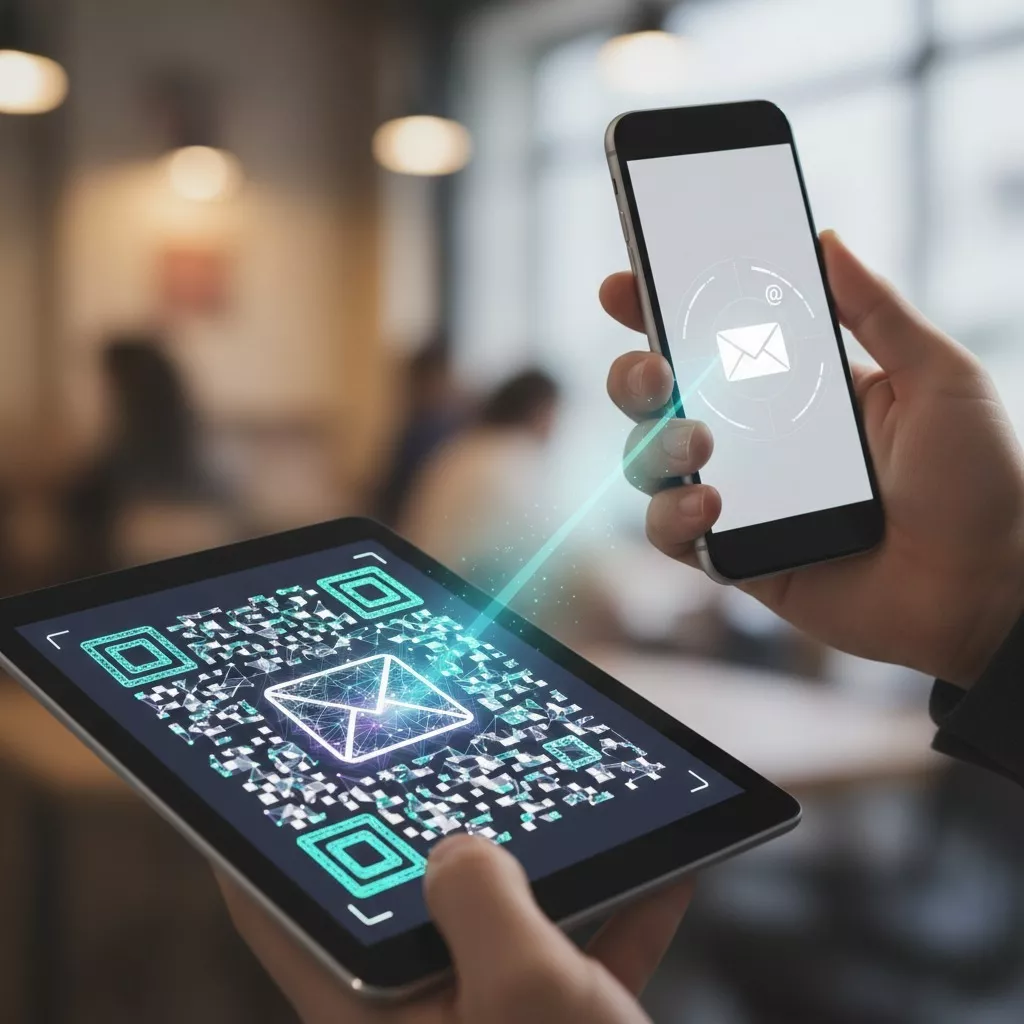
Want to make it super easy for people to contact you? Our QR Code Generator for Email does exactly that. It helps you create a QR code that, when scanned, opens an email with your address, subject, and message already filled in. One quick scan and the message is ready to send. No typing, no mistakes, just smooth communication.

With this simple tool, you can make a QR code for email in seconds. It’s perfect for anyone who wants to make contacting them easier from small business owners to marketers, event organizers, or professionals sharing their contact info.

Facebook QR Code

Connect your audience directly to your Facebook page or profile to grow your followers with one scan.

Create a QR Code for a URL

Turn any website or landing page into a scannable QR code. Perfect for business cards, posters, and brochures.

Text to QR Code

Share text messages, quote, or contact info in seconds. Just type, generate, and printen QR code anywhere.

YouTube QR Code Generator

Make your video content instantly accessible; one scan takes users directly to your YouTube channel or video.

Twitter QR Code

Help people connect with your Twitter (X) profile instantly fast and interactive sharing.

QR Code Call

Let customers call you instantly with one quick scan. No typing, no delay just fast and direct communication.

Google Maps QR Code

Make navigation easy by linking your location customers can find you instantly on Google Maps.

WiFi QR Code

Let visitors connect to your WiFi without typing a password. One quick scan and they’re online fast, easy, and secure.

LinkedIn QR Code

Easily share your LinkedIn profile and connect instantly with professionals.

How To Use Email QR Code?

Creating a QR code for email on PrintenQRCode takes only a few simple steps:

Use Email QR Code

Type your email address.

Add a subject (optional).

Write a short message (optional).

Use Ai suggested for colour.

Use shapes, dots and many more.

Click on “Generate QR Code.”

Download your custom QR code and use it anywhere.

Now, whenever someone scans your code, their phone or computer opens a new email with your qr code email address already there ready to send.

What is an Email QR Code?

An email QR code is a smart and convenient way for people to send you an email without typing anything. When someone scans it, their email app opens instantly with your email address and message details already set up.

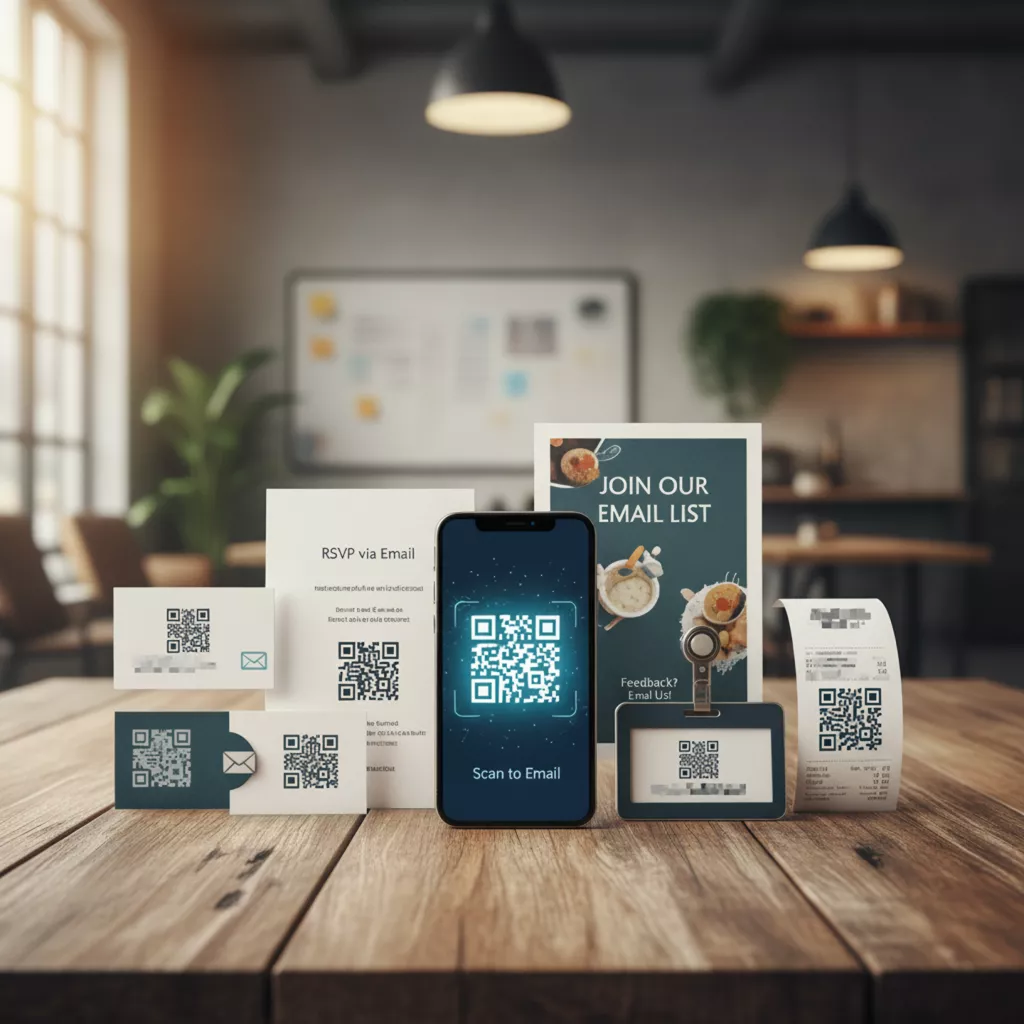
You can add your subject line, write a short message, or leave it blank It’s up to you. Businesses love using email qr codes on business cards, packaging, flyers, and even websites because they make it simple for customers to get in touch.

Examples For Email QR

Real-Life Examples For Email QR

Here’s how people use our tool every day:

Where Can You Use an Email QR Code?

There are so many ways to use your QR code email address. Here are a few ideas:

Business Cards

Business cards with a QR code, it helps clients to quickly contact you, see your website or portfolio.

Flyer and Brochure

Adding a QR code, so customers can easily gather information on promotions, pre-paid gifts or contacting you in a business meeting esay.

Product Packaging

Incorporate a QR code which, upon scanning, gives the buyer options for obtaining instructions, customer service, warranty registration, or offering immediate feedback.

Direct mail QR code campaign

Utilize both print and digital in your advertising and allow the users to scan your code to visit your site, take advantage of an offer or make inquiries.

Event Posters

The QR Code feature will permit participants to scan it for registration, inquiries or directions without the need for paper and pen.

In your email signature

Incorporate a smart QR code that directs to your website, portfolio, or vCard to make the E-mail continually evolving as it can never get outdated.


Why Use a QR Code Generator for Email?

Let’s be honest, typing long email addresses can be frustrating. One small typo, and your message goes nowhere. That’s why our QR Code Generator for Email is so useful. It saves time, avoids errors, and gives a modern, professional touch to your brand.

Here’s why people love using it:

All you do is enter your info, generate your qr code generator email, and download it. That’s it, you’re ready to share it with the world.

Benefits of Using QR Code Generator for Email

Our QR Code Generator for Email isn’t just fast it’s made to fit your style and brand. You can customize colors, add a logo, and create a QR code that truly matches your business look.
Here’s what makes our tool stand out:

If you’re running ads, sending flyers, or creating marketing materials, a qr code to send email is the easiest way for your audience to reach you.

Create Your Email QR Code Now

You’re just a few clicks away from creating your own QR Code for Email.

Use your qr code email address on print ads, product packaging, business cards, or even your website to make it easy for people to contact you.

At PrintenQRCode, we make it simple to create direct mail qr codes, email qr codes, and more. Quick to make, easy to share, and professional to use that’s what we’re all about.

Make communication simple and modern with our QR Code Generator for Email create your own email QR code today and connect with your audience effortlessly!

Frequently Asked Questions

Yes, you can design it with colors, logos, or frames to match your branding.

Yes, as long as you use a trusted QR generator that doesn’t collect or misuse your data.

Yes, some QR code tools offer analytics to show scan counts, locations, and devices.

It makes communication easier, professional, and faster no need to type or search for email addresses.

When scanned, it opens the default email app with your email address, subject, or message pre-filled.