QR Code for WiFi Access

Make WiFi connection a breeze with a QR code to connect to WiFi. You’ll never have to type long or complicated passwords again; just Scan & Connect! With a WiFi QR code generator, all it takes for the guests to connect to your network in a secure way is to scan the code, and this applies to wherever you are whether it is in a café, hotel, office, or home. This smart method of communication that does not involve contact saves time and increases customer satisfaction as well as keeps your network credentials safe.

What is a WiFi QR Code?

A WiFi QR code is a type of code that is scannable and connects the users to your Wi-Fi network automatically. Customers will not have to manually enter the SSID and password but will simply need to scan the Wi-Fi access QR code with their smartphone cameras instead.

Hotels, restaurants, and coworking spaces are among the places where wifi qr codes allow the hospitality industry to offer internet access that is fast, secure, and without any inconveniences. It is an absolute solution for making accessibility easier, maintaining the privacy of the users, and providing the customers with a smooth digital experience.

Why Every Business Should Use a WiFi QR Code in 2026

Fast and Easy Connection

Scan to connect immediately when guests arrive, without the need to type passwords.

Improved Security

Hide your password while allowing guests to connect safely via a QR code.

Better Customer Experience

Make it super simple and seamless for the users to go online, ideal for coffee shops and lodgings in 2026.

No Need to Share Passwords Verbally

Reduce confusion and risk to privacy by refraining from password sharing between staff and guests.

Ideal for Any Location

Utilize a QR code for the café Internet, hotel reception areas, workplaces, or even your personal network for easy access.

How to Create a QR Code for WiFi Access

Follow these easy steps to create your own QR code for restaurant menu:

Best Practices for Using WiFi QR Codes

Make your code visible everywhere, such as the walls at the entrance, tables, or at the reception desk.

Real-Life Examples of WiFi QR Codes

Now, we are going to see some instances where WiFi QR codes have been adopted in the real world:

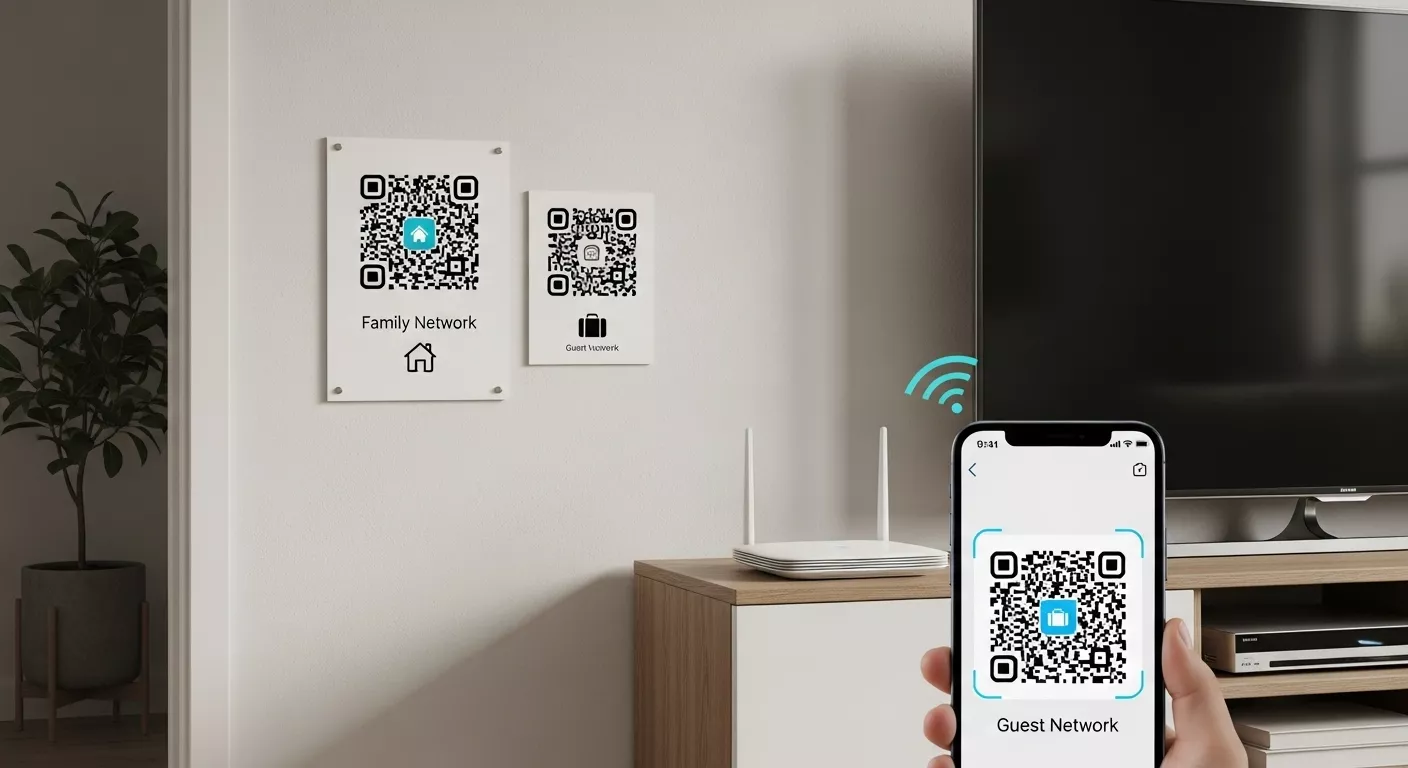
Home Networks

Home Networks

QR on walls or routers for family and guests.

Coworking Spaces

Coworking Spaces

QR codes at desks and meeting rooms for members’ secure login.

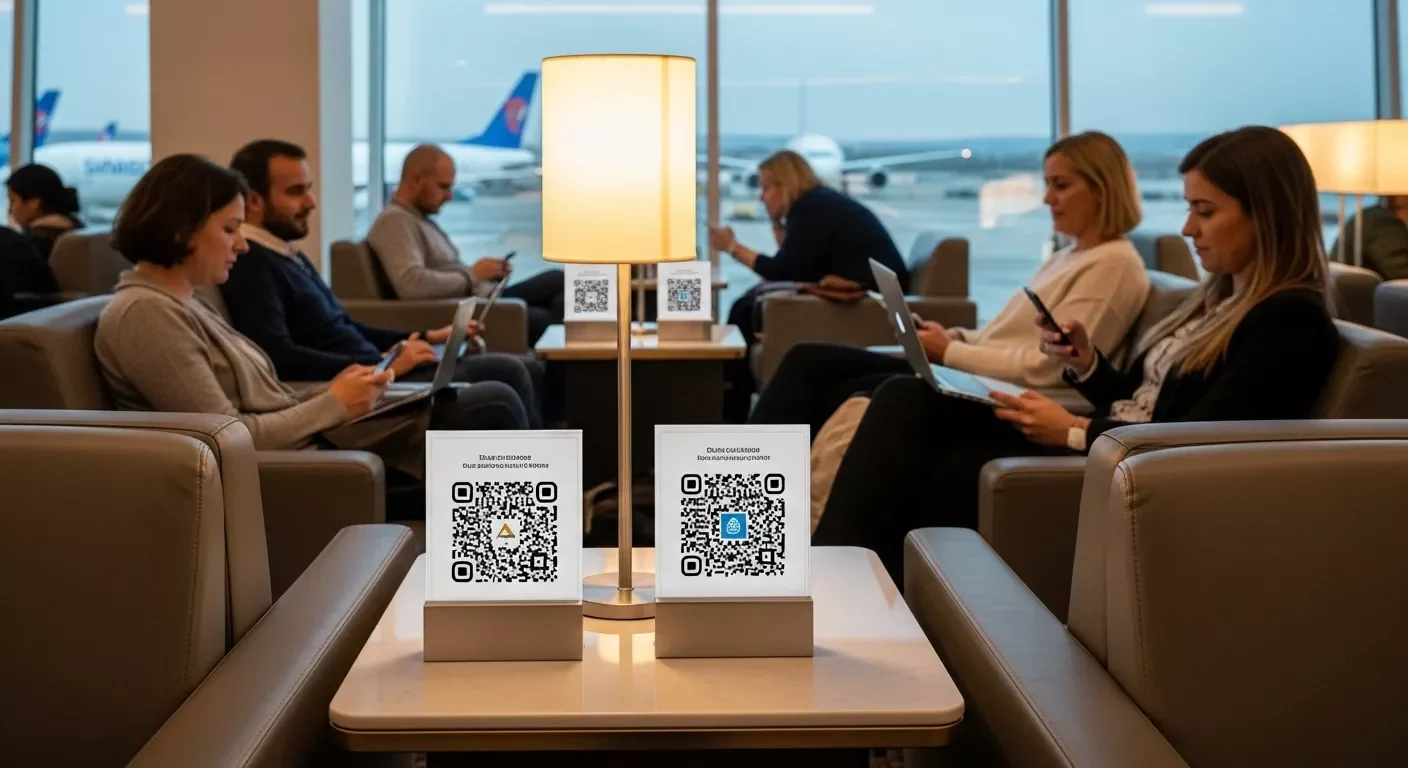
Airports & Lounges

Airports & Lounges

QR codes in the seating areas for quick connections among the travelers.

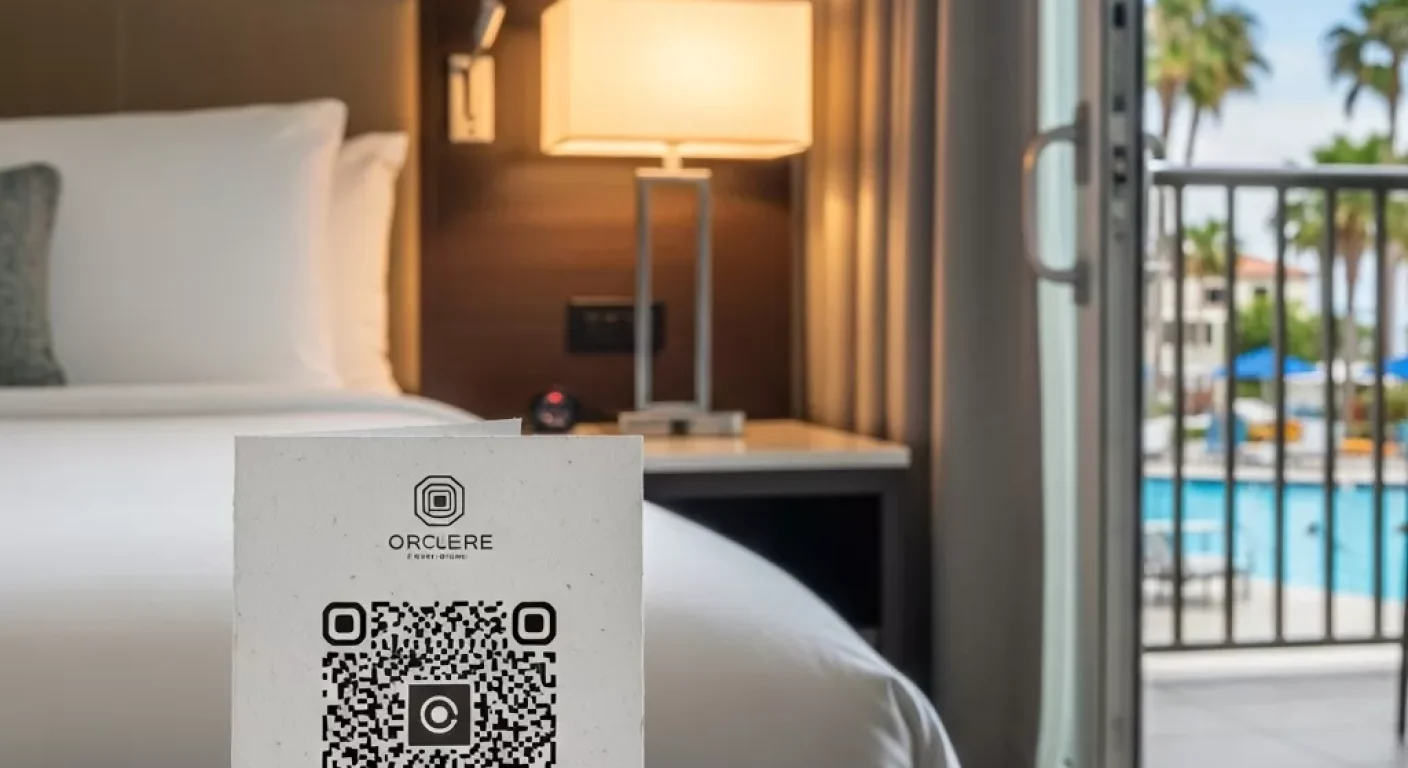
Hotels and Resorts

Hotels & Resorts

QR codes are put in the rooms or lobbies for letting the guests access WiFi.

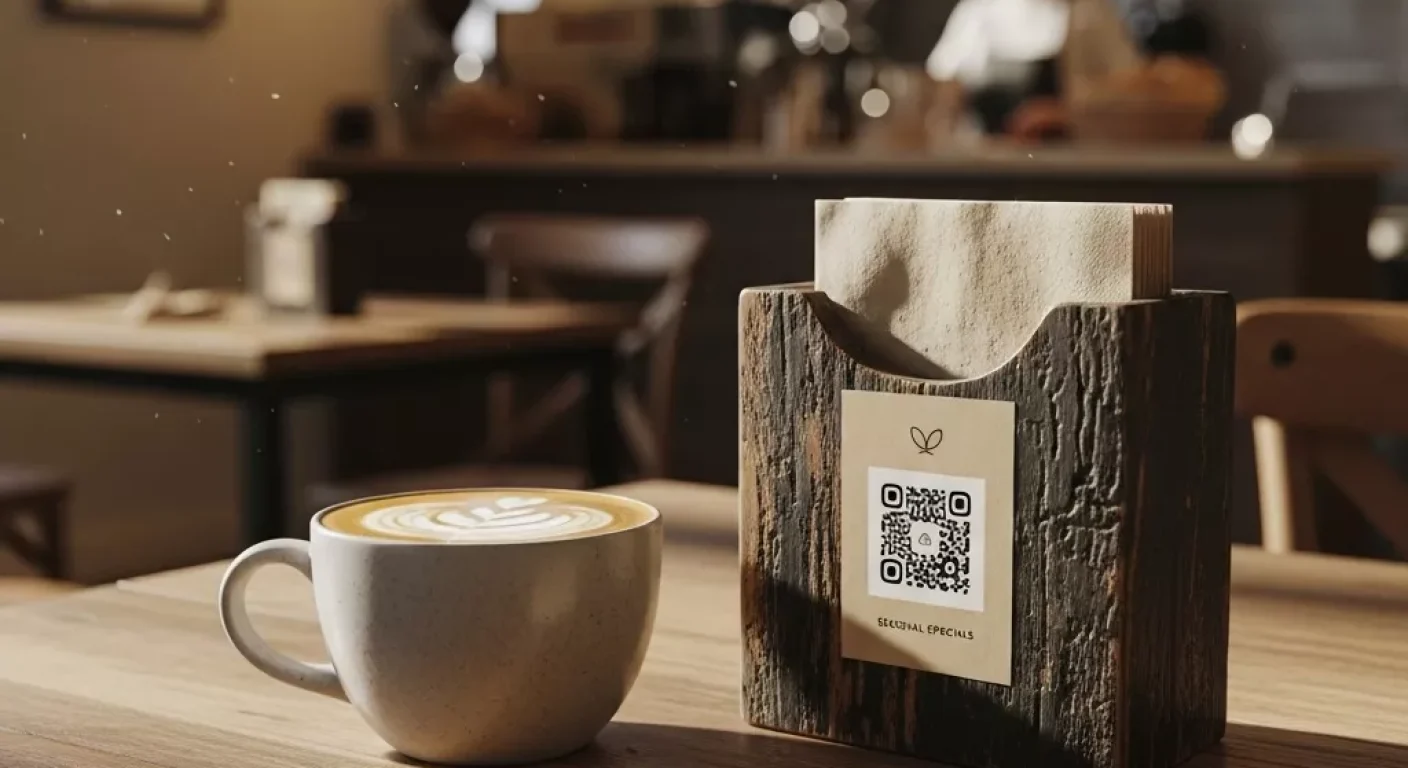
Coffee Shops

Cafés & Coffee Shops

The QR codes are put on table tents or wall art so that customers can easily connect.

Connecting to WiFi using a QR code has a lot of benefits like being more intelligent, quicker, and safer. It not only facilitates the users but also speeds up the entire processes and at the same time keeps the network credentials hidden. It is an excellent solution for organizations, coffee shops, and hotels that want to deliver a smooth digital experience in 2026.

Generate your WiFi QR code now with Printen QR Code and allow your visitors to connect in just a few seconds!

Frequently Asked Questions

You can easily make one using Printen QR Code just enter your SSID, password, and generate your QR instantly.

Yes, Your password stays hidden, and users connect automatically through encrypted QR data.

Absolutely! Use a free WiFi QR code generator like Printen QR Code for instant and unlimited code creation.

Yes, Most smartphones (iOS & Android) can scan and connect without any app.

You can generate unlimited WiFi QR codes for free using PrintenQRCode.com with no usage limits or restrictions.