Your Text

Please enter some text.

Set Colors
#ffffff
#222222
#007bff
Custom Design Options
Main Body Shape
Eye Frame Shape
Eye Dot Shape
Logo Upload
logo
Live Preview
💾 Download Options

Text QR Code Generator

Printen qr code’s allow text QR code generator in custom image size or direct print, your reliable QR code generator to create plain text into an easy-to-scan QR code. With a few clicks, you can convert any message, phrase, or piece of text into a QR code that shows up instantly on users’ screens. Unlike URL QR codes, this item is not dependent on the internet the text is placed inside the code.

Facebook QR Code

Connect your audience directly to your Facebook page or profile to grow your followers with one scan.

Create a QR Code for a URL

Turn any website or landing page into a scannable QR code. Perfect for business cards, posters, and brochures.

Google Maps QR Code

Make navigation easy by linking your location customers can find you instantly on Google Maps.

YouTube QR Code Generator

Make your video content instantly accessible; one scan takes users directly to your YouTube channel or video.

Twitter QR Code

Help people connect with your Twitter (X) profile instantly fast and interactive sharing.

QR Code Call

Let customers call you instantly with one quick scan. No typing, no delay just fast and direct communication.

WiFi QR Code

Let visitors connect to your WiFi without typing a password. One quick scan and they’re online fast, easy, and secure.

Video QR Code

Connect your audience to your videos instantly with a single scan. Share tutorials, product demos, or personal clips easily.

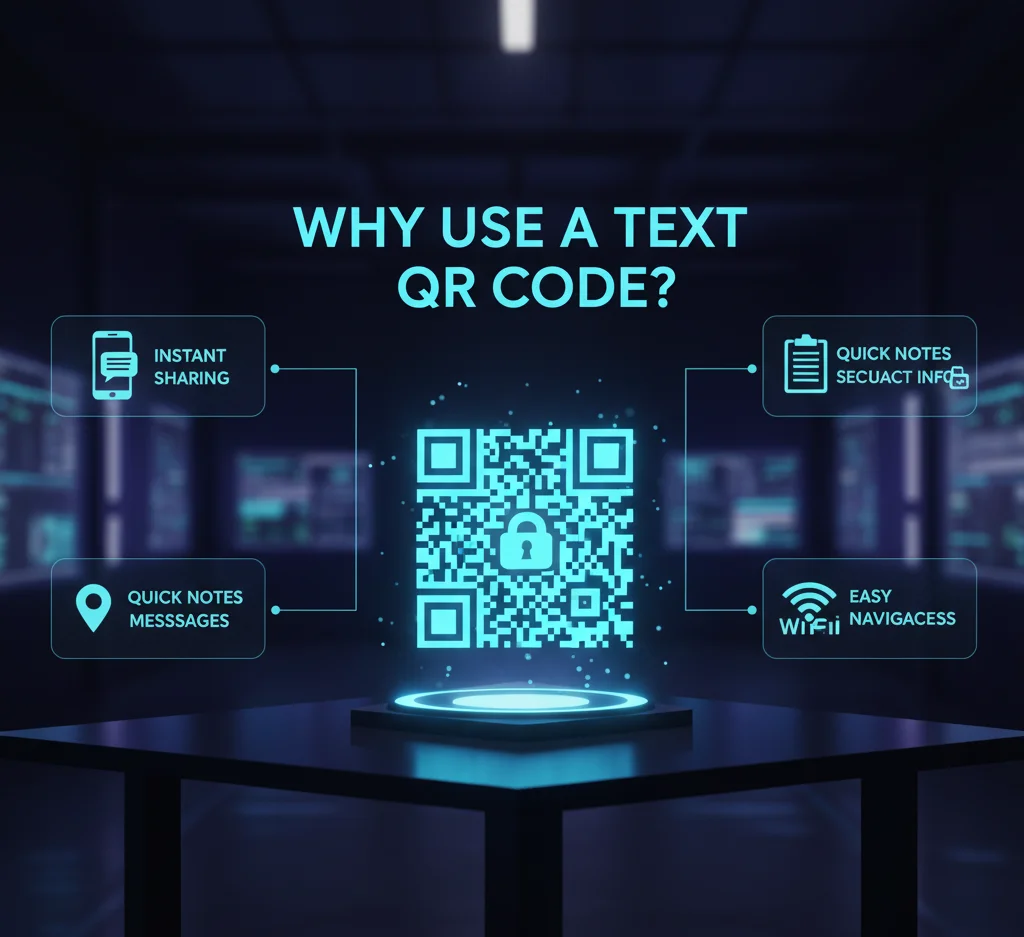
Why Use a Text QR Code?

Below are the key advantages of having a text to qr code via our tool:

Why-Use-a-Text-QR-Code

Instant delivery: Scanned QR code immediately displays your text. No redirect, no delay.

Works offline: Because the message is encoded as is, users won’t need an internet connection to access it.

Simplicity & clarity: Use it on plain messages, announcements, disclaimers, or brief instructions.

Broad compatibility: Any QR reader app or smartphone can scan plain text QR codes.

Customizable design: You can spiff up your QR code and change colors, frames, logos without sacrificing legibility.

When you need a safe way to transmit brief text messages, use text QR code generator.

Use Cases Of Text QR Code

Here are real-world scenarios where a text to qr code solution is extremely useful:

Position a QR code on a device, piece of equipment, or package with brief guidelines or safety information. Users scan to read. Instead of typing out clunky codes, encode them in a QR and stick it on a card or wall. Add a text message to a packaging QR so that your staff or customers can scan and view product information.

Text-QR-Code-Generator

Tips for Improved Results & Increased Scans

These tips help maximize the performance and scan rate of your QR codes.

How It Works Text to QR in Seconds

Here is a simple 5-step process of turning any text into a scannable QR:

Enter your text

Copy and paste or directly type the message to be encoded. This can include alphabets, numbers, spaces, punctuation signs, special characters, or even emojis.

Customize your QR code

Select a color scheme, border or frame, add a logo or branding if desired all without compromising on scan reliability.

Generate & preview

The QR is generated in real time. You can view the QR and test it on your phone to see if it scans properly.

Download & share

Save the QR in your desired format (PNG, JPG, SVG, EPS) and insert it into your marketing materials, packaging, posters, or digital assets.

Offline sharing

In non-connected environments (e.g., exhibitions, rural locations), your visitors are able to scan and read immediately without the web.

Compare Alternatives: Text QR vs. SMS QR vs. URL QR

Want to generate qr code from texr and reach your audience instantly?

If your aim is merely to show a brief text message, the text QR code generator is the shortest route and spares unnecessary clicks or reliance.

Important Features & Abilities of Text Qr

Feature Benefit

Static encoding Once created, the text within the QR is unalterable (cannot be changed afterwards)

Character capacity

Accommodates messages up to ~300 characters (including spaces)

Offline read

Since it’s offline-enabled, users can view the message without needing internet access

Custom styling

Alter colors, frames, add logos without sacrificing scannability

High-resolution download

Export in scalable formats (SVG/EPS) for print purposes

Fast & user-friendly

Generate a simple text to QR within seconds

Frequently Asked Questions

Yes, usually around ~300 characters (including spaces). This leaves you with enough space for short messages, like a tweet length.

No, this QR type is static. After generation, the content can’t be edited. To change the message, you’ll need to create a new QR code.

No, this is a simple text-based QR creator. Scanning will reveal your text message directly. If you prefer QR codes to open SMS or web URLs, you can utilize our SMS or URL QR choices.

No, Since the text is embedded in the QR itself, there is no need for an internet connection to show the message.

Yes, you can add punctuation, symbols, and even emojis to your text message. Just be sure that the scanner accommodates them.

We suggest printing at a minimum 2 × 2 cm (0.8 × 0.8 in) or more to ensure readability and reliability.