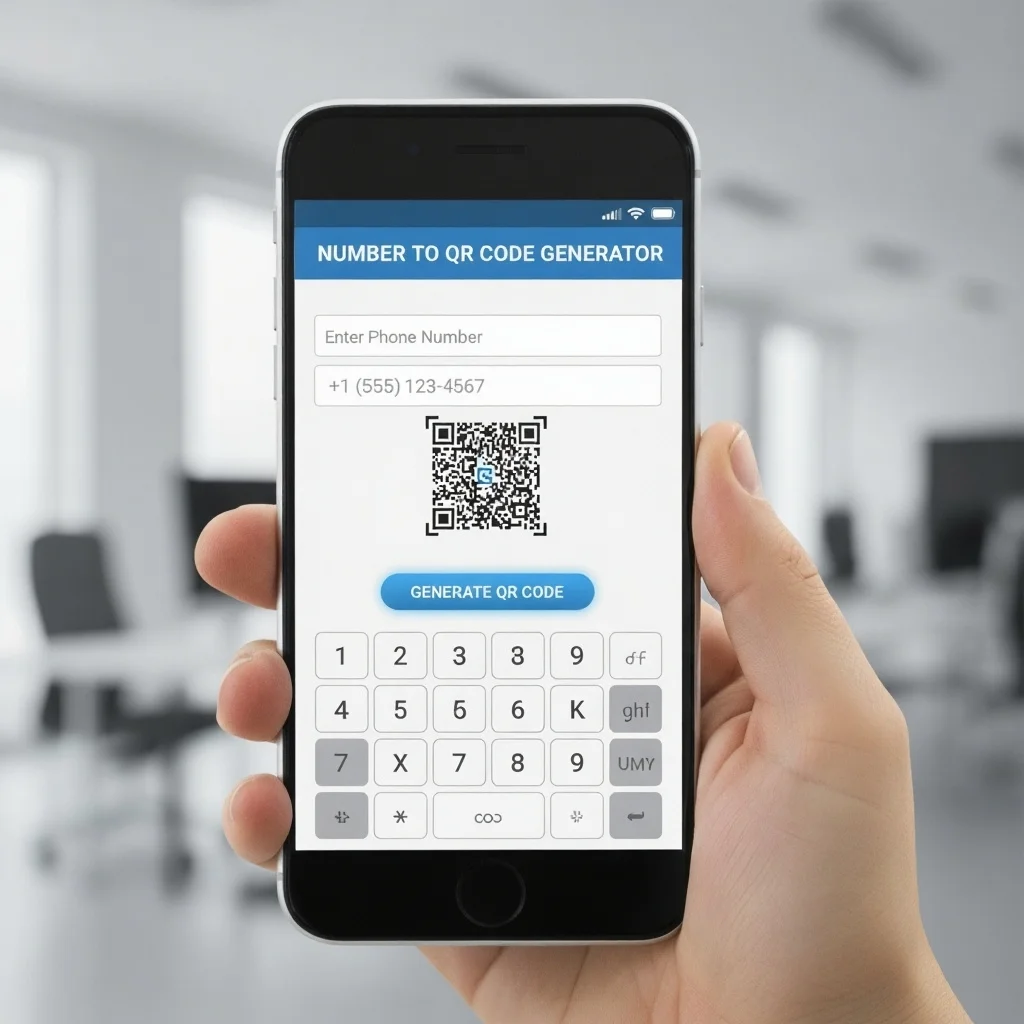
Your Phone Number

Please enter a valid phone number.

Set Colors
#ffffff
#222222
#007bff
Custom Design Options
Main Body Shape
Eye Frame Shape
Eye Dot Shape
Logo Upload
logo
Live Preview
💾 Download Options

QR Codes For Phone Number

Printen QR Code Generator for phone numbers with this service, you can turn any phone number into a scannable code. When someone scans your code, their phone will prompt them to call that number. It’s perfect for business cards, flyers, advertisements, store signage, or digital media.

Facebook QR Code

Connect your audience directly to your Facebook page or profile to grow your followers with one scan.

Create a QR Code for a URL

Turn any website or landing page into a scannable QR code. Perfect for business cards, posters, and brochures.

Text to QR Code

Share text messages, quote, or contact info in seconds. Just type, generate, and printen QR code anywhere.

YouTube QR Code Generator

Make your video content instantly accessible; one scan takes users directly to your YouTube channel or video.

Twitter QR Code

Help people connect with your Twitter (X) profile instantly fast and interactive sharing.

WiFi QR Code

Let visitors connect to your WiFi without typing a password. One quick scan and they’re online fast, easy, and secure.

Google Maps QR Code

Make navigation easy by linking your location customers can find you instantly on Google Maps.

Video QR Code

Connect your audience to your videos instantly with a single scan. Share tutorials, product demos, or personal clips easily.

How To Use Number to QR Code Generator?

We crafted our utility specifically for real users simple, fast, and designed to do exactly what you need it to do.

Use-Number-to-QR-Code-Generator

Go to the printen QR code generator and select “Phone Number / Call” mode.

Enter the phone number you want (with country code if needed).

Customize design (optional) color, frame, logo.

Generate the QR.

Download it (PNG, SVG, EPS) for print or digital use.

Test by scanning with your phone it should prompt a call.

Use it on business cards, posters, websites, etc.

What is a QR Code for Phone Number Work?

A QR Code for phone number (also called phone number QR codes or qr code call) is simply a QR code whose embedded content is a telephone number. When scanned, the phone recognizes the number and offers to dial it immediately. It avoids the user having to type the number manually.

This is a kind of QR code phone use-case: you’re using QR codes not just to lead to a website, but directly to a phone call function. In other words, our QR Codes for Phone Numbers convert scanning into dialing.

Tips-For-Phone-QR-Code-Generator

Best Practices & Tips For Phone QR Code Generator

Features of QR Code Generator For Call

When you use call QR code generator at Printen qr code, you get: 

Easy creation

Input the phone number, choose style, press generate.

Custom design

Change colors, shape, add frame or icon.

Static & Dynamic codes

Static ones encode the number directly. Dynamic ones let you redirect or change the number later.

Download in multiple formats

PNG, SVG, EPS for print and digital use.

No expiration for static codes

Your qr code for phone number will work as long as the phone network does.

Works in print and digital

Use the QR code on brochures, posters, business cards, or on websites, emails, social media wherever your audience is.

Static or Dynamic Phone QR Codes

Static Phone QR Code

Dynamic Phone QR Code

Why Use QR Code for Phone Number?

A call qr code generator can be used in countless ways. Whether you’re a business owner, marketer, or designer, here’s where these codes can make an impact:

Faster engagement

Instead of writing or typing a number, people just scan and call. That’s a simpler path from interest to contact.

Reduce dialing errors

If someone types wrong, the call won’t connect. With qr code to number, the number is encoded correctly.

Better design and space usage

Rather than printing a long phone number in small text, you can use a clean QR code with a label like “Scan to call”.

Track usage (if dynamic)

If you use a dynamic version, you can see how many scans, when, and from which locations.

Frequently Asked Questions

A: Static codes do not expire. Dynamic ones remain active as long as your subscription or service is active.

A: Yes. You can include commas or special characters in the number string, e.g. +1234567890,,,1,,# to navigate voice menus.

A: Most modern smartphones have built-in QR scanning in the camera app. Earlier devices may require a QR scanner app.

 A: Yes. Our tool supports logo insertion, colors, and frames as long as the code remains readable.

 A: Only with dynamic QR codes. Static ones can’t be updated.

 A: In most plans we allow many to check your package. For business users we support bulk generation.