Your LinkedIn URL

Please enter a valid LinkedIn URL.

Set Colors
#ffffff
#222222
#0A66C2
Custom Design Options
Main Body Shape
Eye Frame Shape
Eye Dot Shape
Logo Upload
logo
Live Preview
💾 Download Options

Free LinkedIn QR Code Generator

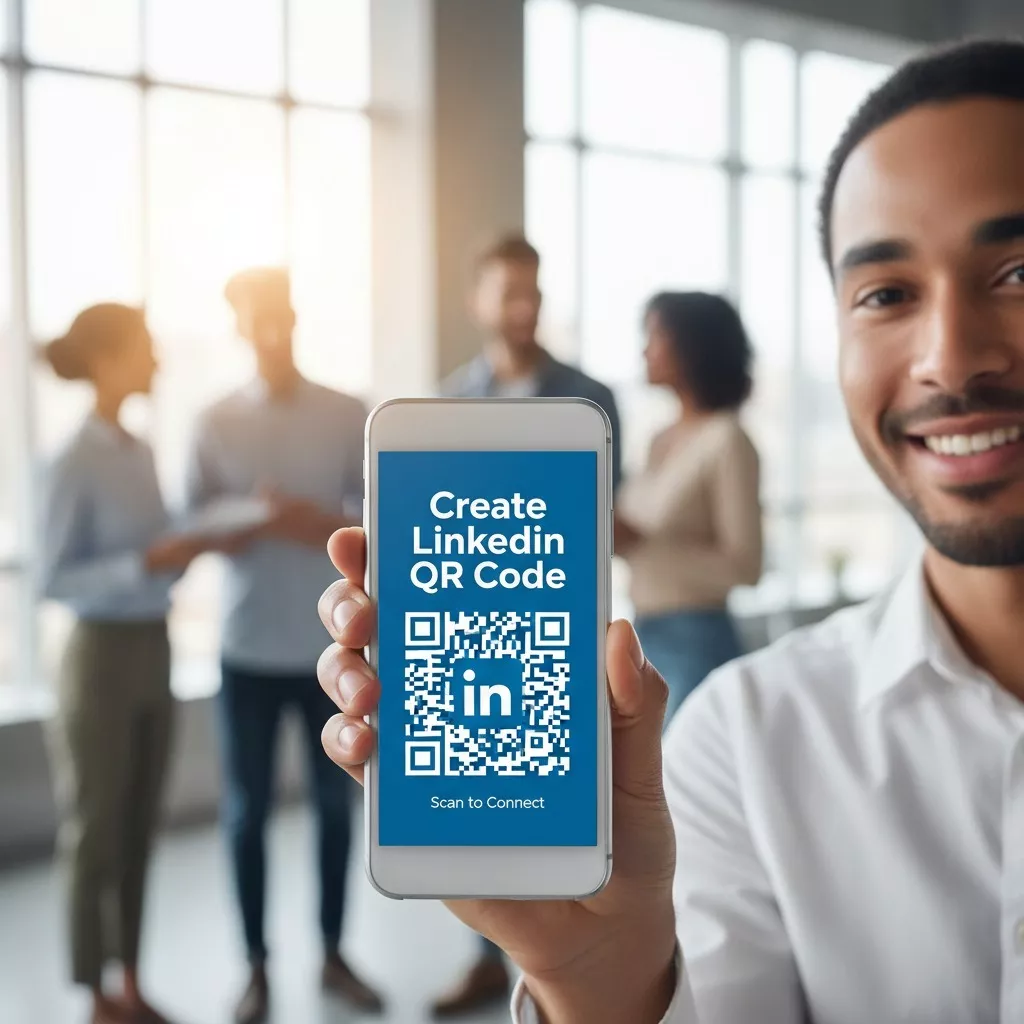
Want an easy way to share your LinkedIn profile? With our Free LinkedIn QR Code Generator, you can turn your LinkedIn profile link into a QR code in just a few seconds. It’s free, fast, and simple to use. No signup, no payment just create, download, and share.

Facebook QR Code

Connect your audience directly to your Facebook page or profile to grow your followers with one scan.

Create a QR Code for a URL

Turn any website or landing page into a scannable QR code. Perfect for business cards, posters, and brochures.

Text to QR Code

Share text messages, quote, or contact info in seconds. Just type, generate, and printen QR code anywhere.

YouTube QR Code Generator

Make your video content instantly accessible; one scan takes users directly to your YouTube channel or video.

Twitter QR Code

Help people connect with your Twitter (X) profile instantly fast and interactive sharing.

QR Code Call

Let customers call you instantly with one quick scan. No typing, no delay just fast and direct communication.

Google Maps QR Code

Make navigation easy by linking your location customers can find you instantly on Google Maps.

WiFi QR Code

Let visitors connect to your WiFi without typing a password. One quick scan and they’re online fast, easy, and secure.

Email QR Code

Easily share your email address  let others contact you instantly.

How to Create LinkedIn QR Code

Making your QR code with our Free LinkedIn QR Code Generator takes only a few seconds. Just do this:

QR Code for LinkedIn

Copy your LinkedIn profile link.

Paste it into the box above.

Use your favorite colour, shape and style.

Click “Generate QR Code.”

Download your LinkedIn QR code image.

Print in PNG format custom size.

What Is a LinkedIn QR Code?

A LinkedIn QR Code is an image that links directly to your LinkedIn profile. When someone scans it with their phone, your profile opens right away. You don’t need to type long links or search for names.

You can add your QR code LinkedIn image to your business card, resume, website, or email signature to help people find you easily.

Use a QR Code for LinkedIn

Why Use a QR Code for LinkedIn?

Your LinkedIn profile shows who you are in your professional life. A QR code for LinkedIn helps people connect with you quickly without any hassle.
Here’s why it’s helpful:

Where to Use Your LinkedIn QR Code

You can use your LinkedIn QR code in many ways:

On business cards

Give individuals the opportunity to immediately scan and link up to your professional profile in the course of meetings or networking events.

On resumes or CVs

Present your digital professional accomplishments and at the same time, make it less complicated for the employers to see your experience.

In email signatures

Include a scannable link for the recipients to have the right and direct access to your professional profile.

On the web, in portfolios, or in brochures

Don’t just let them know who you are, but also make it possible for them to access your profile with just a quick scan.

On social media posts

Motivate your followers and recruiters to check your professional profile and gain more insights into your work.

Why Choose Our Free LinkedIn QR Code Generator?

Our Free LinkedIn QR Code Generator is made to be quick and simple.

Here’s what makes it better:

Our LinkedIn QR Code Generator is perfect for anyone who wants to share their LinkedIn profile in a smart and easy way.

Benefits of Using a QR Code for LinkedIn Profile

Integrating a LinkedIn QR code into your marketing materials is an attractive way to get noticed and an easy way to share. The QR code may look very professional and trustworthy as it is connected to your verified profile. It is a wonderful networking tool perfect for meetings, conferences, and events. People can get your details in a blink of an eye with one scan, thus saving time and preventing mistakes due to miswriting. Besides, it makes it really easy with one code for all your professional information. You can even take advantage of optional analytics tools to monitor the number of people who scan it, which is a great help in evaluating engagement and understanding your networking reach more accurately.

Tips for Using Your LinkedIn QR Code

To get the best results:

Create LinkedIn QR Code for Teams and Businesses

Our Free LinkedIn QR Code Generator also works great for companies and teams.

It helps:

A QR code for LinkedIn makes your company and staff look more modern and professional.

Frequently Asked Questions

Go to your LinkedIn profile, copy the URL, and use a free QR code generator to create your code.

Open the LinkedIn app, tap your profile QR icon, and share it via message, email, or save the image.

On the LinkedIn mobile app, tap the search bar → QR code icon → “My code” to view and download it.

Generate your LinkedIn QR code, download it, and print it on your business card design.