Your YouTube URL

Please enter a valid YouTube URL.

Set Colors
#ffffff
#222222
#ff0000
Custom Design Options
Main Body Shape
Eye Frame Shape
Eye Dot Shape
Logo Upload
logo
Live Preview
💾 Download Options

YouTube QR Code Generator

Want an easier way to share your YouTube content? A YouTube QR Code makes it super simple. Just one scan and people can open your video, playlist, or channel right on their phone no typing, no searching, just instant access.
If you’re a content creator, business owner, teacher, or anyone who shares videos, this is the easiest way to get your audience watching right away.

Facebook QR Code

Connect your audience directly to your Facebook page or profile to grow your followers with one scan.

Create a QR Code for a URL

Turn any website or landing page into a scannable QR code. Perfect for business cards, posters, and brochures.

WiFi QR Code

Let visitors connect to your WiFi without typing a password. One quick scan and they’re online fast, easy, and secure.

Text to QR Code

Share text messages, quote, or contact info in seconds. Just type, generate, and printen QR code anywhere.

Twitter QR Code

Help people connect with your Twitter (X) profile instantly fast and interactive sharing.

QR Code Call

Let customers call you instantly with one quick scan. No typing, no delay just fast and direct communication.

Google Maps QR Code

Make navigation easy by linking your location customers can find you instantly on Google Maps.

Video QR Code

Connect your audience to your videos instantly with a single scan. Share tutorials, product demos, or personal clips easily.

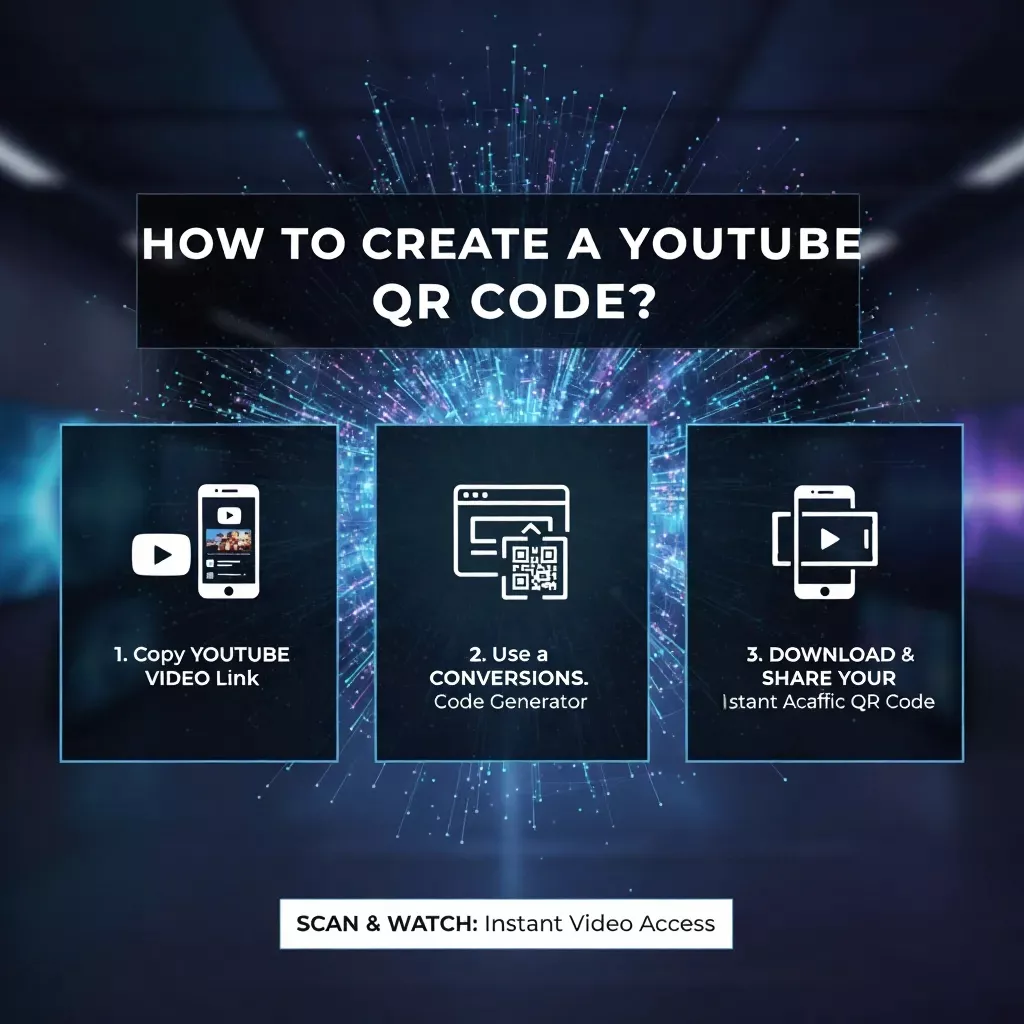
How to Create a YouTube QR Code

Making your own code is super easy with our YouTube QR Code generator. Just follow these steps:

Create a YouTube QR Code

Copy the link of your YouTube video, playlist, or channel.

Paste it into the box above.

Customize your QR code color or design if you’d like.

Use AI suggestions for better colours.

Use eye dot shape for more farms.

Click Generate QR Code and download it.

Now your YouTube QR Code is ready to use anywhere online or in print.

What is a YouTube QR Code?

A YouTube QR Code is a small scannable code that links directly to your YouTube video, playlist, or channel. When someone scans it with their phone camera, it opens your video instantly. You can use a QR code for YouTube video on almost anything flyers, posters, packaging, or even your business cards. It’s clean, modern, and it saves people the trouble of typing long links.

For example, if you’ve uploaded a tutorial, product demo, or music video, just turn that link into a QR code. When people scan it, they’re taken straight to your video fast and easy.

Use a YouTube QR Code

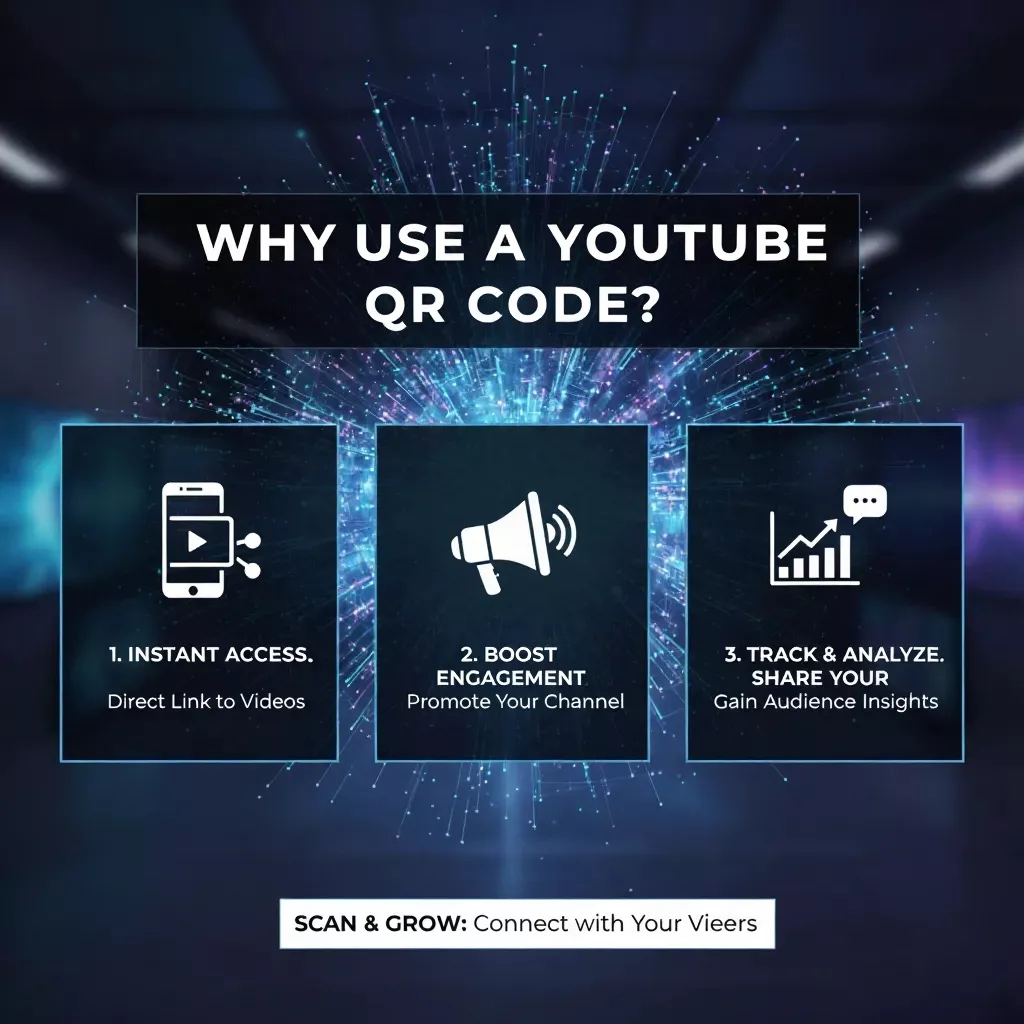
Why Use a YouTube QR Code?

A YouTube QR code helps you reach more viewers quickly and gives your videos a modern, interactive touch.

How QR Code Generator for YouTube Video Work

QR codes make quick and easy sharing of YouTube videos. Here are 5 easy steps to generate your own youtube QR code.

Copy Your YouTube Video Link

Go to your YouTube video, hit the Share button, and copy the video link to be used in the QR code generator.

Open a QR Code Generator Tool

Go to a printen QR code generator. Select the “YouTube” or “URL” option for creating your own custom QR code.

Paste the YouTube Link

Paste your copied YouTube video link into the input box of the generator. Make sure the URL is right for precise code generation.

Customize Your QR Code Design

You can customize the color, shape of the QR code, or include your channel logo to personalize it and make it brand-friendly and visually appealing with AI features.

Generate and Download the QR Code

Click the Generate option, then download your YouTube video QR code. Test it by scanning to be sure it opens the right video link.

Tips for Using Your YouTube QR Code

Different Ways to Use a YouTube QR Code

A QR code for YouTube channel or video can be used in many creative ways, like:

Companies

Place a QR code on labels, catalogs, or posters to feature product previews, customer testimonials, or company overviews.

Content Creators

Make new YouTube videos popular by having QR codes printed on handouts, banners, or standard displays for immediate viewing.

Teachers & Educators

Use YouTube QR codes in teaching materials so that learners can access tutorials, lectures, or educational playlists easily.

Events & Conferences

Easily shareable highlight reels, event, or guest speaker clips by scanning a QR code.

Artists & Musicians

Connect your fans straight to your music videos or channel so that it’s easy for them to follow and subscribe on the spot.

Benefits of YouTube QR Code

Create your YouTube QR Code today with our free tool and make it simple for everyone to find and enjoy your videos. Whether you’re promoting your business, teaching online, or building your channel, a YouTube QR Code helps you connect faster and smarter.

Frequently Asked Questions

Open your phone’s camera app, point it at the YouTube QR code, and tap the link that appears to open the video instantly.

Yes, You can easily create a QR code for any YouTube video using a free YouTube QR Code generator online.

Copy your video’s URL, paste it into a YouTube QR Code generator, and download the generated code to share anywhere.

Use the iPhone Camera app or Control Center QR scanner. Point it at the code, and Safari will open the YouTube video.

Yes, YouTube allows QR codes. Creators often use them to share channel links, playlists, or videos across websites and print media.